Press kit.
Everything you need to write about Devbroom. The icon, logos and screenshots are free to use in articles and videos about it.
Facts
- Product
Devbroom, a macOS app with a command line tool
- What it does
Finds what coding agents leave on a Mac, sorts it by evidence and moves it to the Trash with your OK
- Made by
Mert Topuz, independent developer
- Availability
Available now
- Price
Free. Pro is $29 once for 2 Macs, with a year of updates; then optional $15 a year
- Platform
macOS 13.3 or later, Apple Silicon
- Languages
17 languages
- Privacy
No account, no telemetry; scanning runs on the Mac
About Devbroom
Short, about 30 words
Devbroom finds what coding agents like Claude Code, Codex and Cursor leave on a Mac, sorts every item by evidence and moves only what you confirm to the Trash.
Long, about 120 words
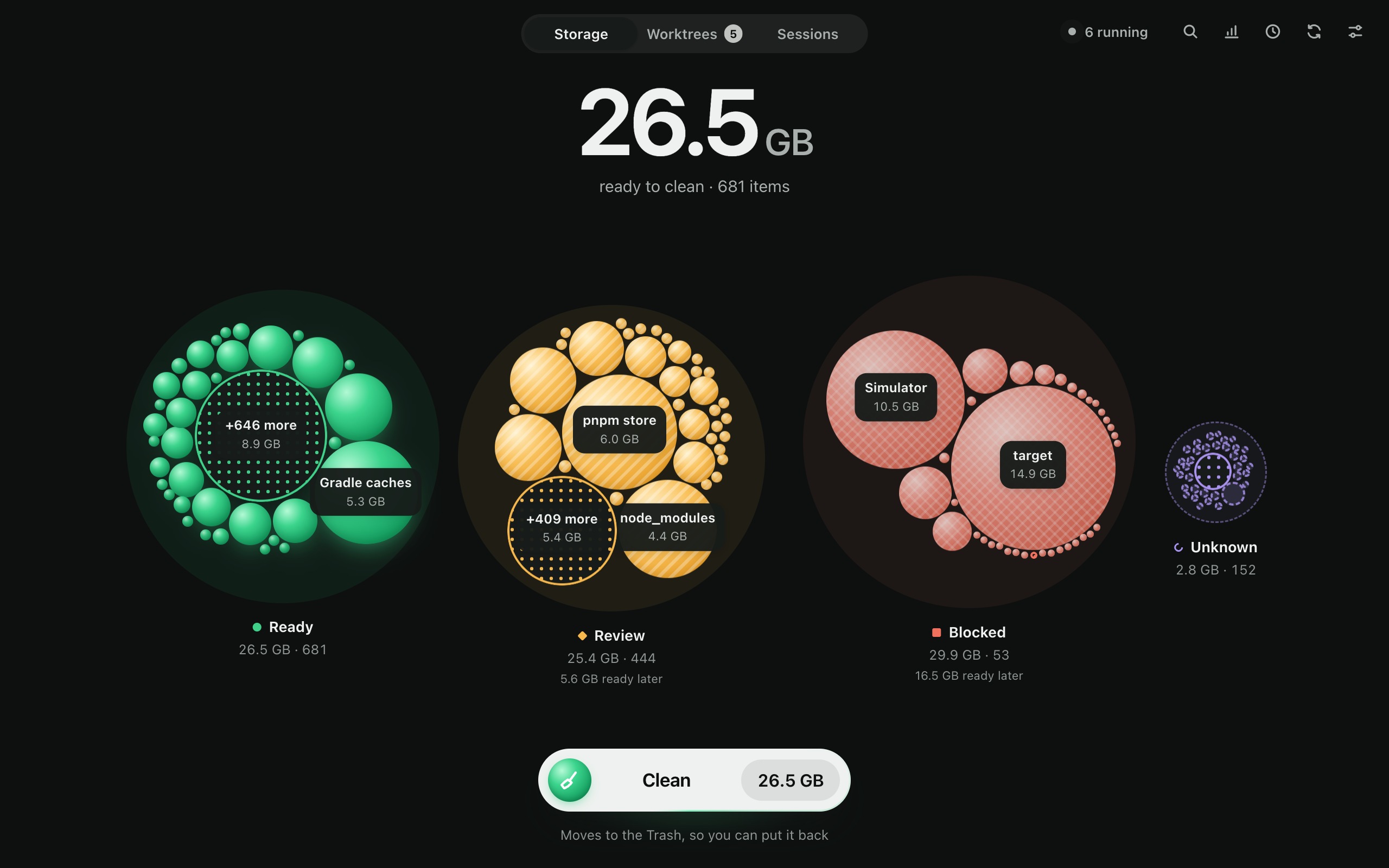
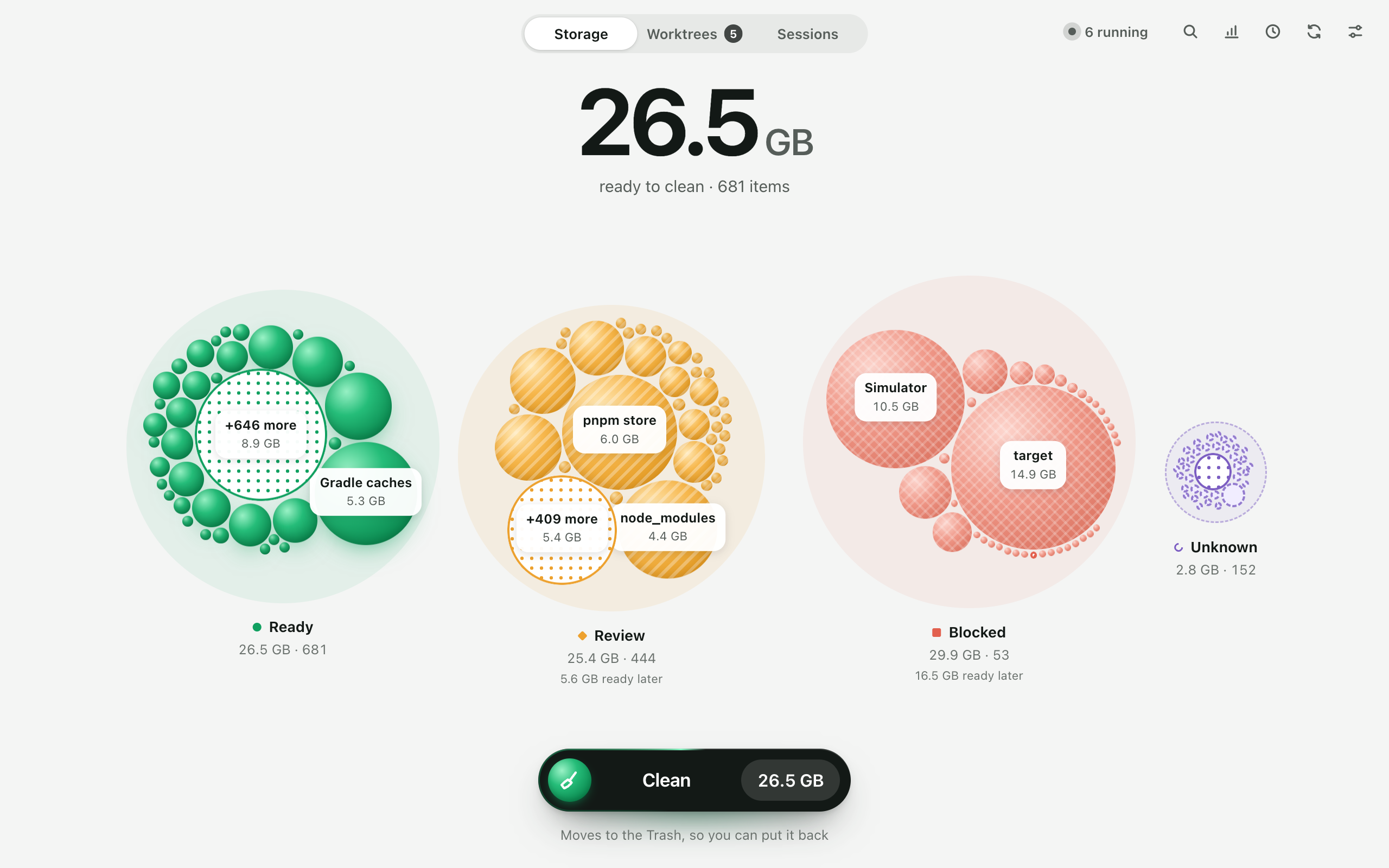
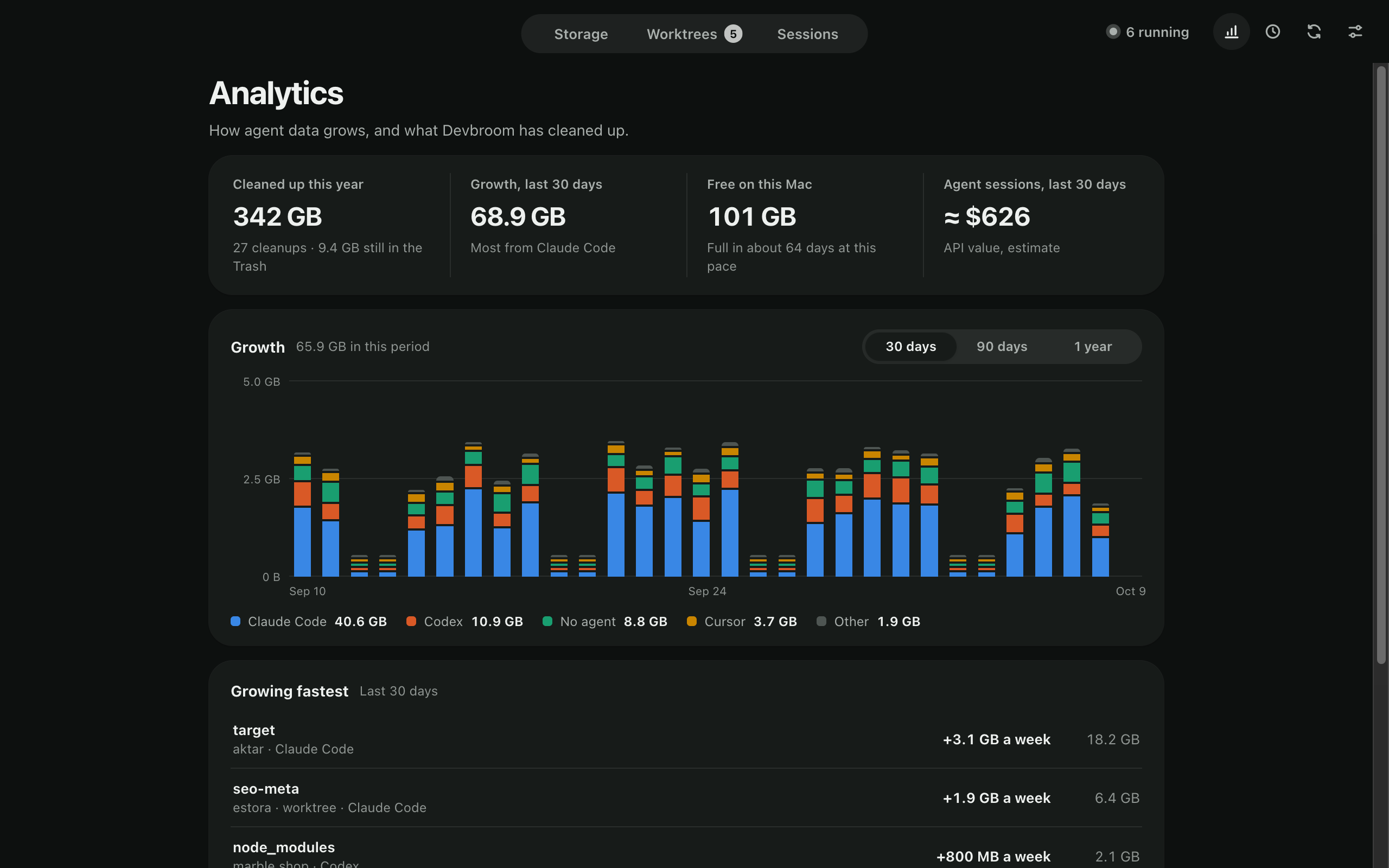
Coding agents do their work in worktrees, scratch folders and session logs, and leave most of it behind. Devbroom is a macOS app and command line tool that finds this clutter for Claude Code, Codex, Cursor, OpenCode and Orca, along with the build output in your projects. Every item gets one of four verdicts, Ready, Review, Blocked or Unknown, and the reason beside it: which agent it belongs to, whether a session is still running in it, whether it holds unsaved work. Scanning only reads. Nothing moves until you confirm, and then only to the Trash, so anything can be put back. Devbroom is free; Pro adds Automatic upkeep and Analytics. No account, no telemetry.




Using the name and icon
- Write the name as Devbroom: one word, capital D.
- Use the icon as it is: don't change its colors, proportions or corners.
- Claude Code, Codex, Cursor, OpenCode and Orca are other companies' products; don't present Devbroom as made or endorsed by them.
Contact
For interviews, review copies and anything else, write to support@devbroom.com.